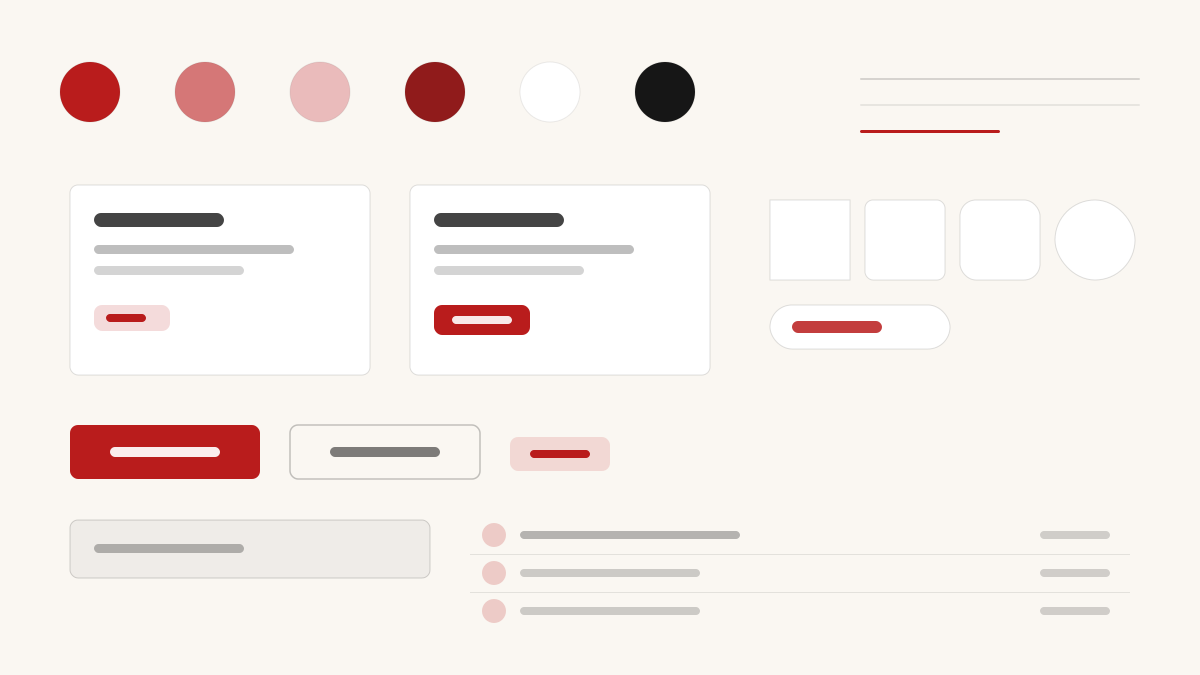
Editorial 是杂志风的编辑排版美学:衬线标题与栏式布局让页面像一本印刷刊物,纸白底(#F1F1F1)配近黑正文(#111111),字号对比强烈、行距舒展,图片与引文像印刷品般嵌入文字流。适合媒体、博客与长文阅读类产品。
创意艺术编辑与印刷
提示词模板
基础模板
Design a Editorial-inspired interface. Colors: #F1F1F1, #16A34A, #D97706, #DC2626 with #16A34A accent. Typography: #111111.
变体提示词
📱 移动端
Design a mobile app with Editorial aesthetics. Use Editorial color identity with #16A34A accents. Clean, touch-friendly, native feel.
💻 Web端
Design a web application with Editorial style. Use Editorial color identity with #16A34A accents. Professional, responsive layout.
📊 仪表板
Design a dashboard with Editorial design language. Use Editorial color identity with #16A34A accents. Data-rich, organized, clear hierarchy.
📄 落地页
Design a landing page with Editorial visual identity. Use Editorial color identity with #16A34A accents. Compelling, conversion-focused.
使用示例
Editorial 应用
Web 端Build a web app with Editorial design language and #16A34A color system.
Editorial 仪表板
仪表板Create a dashboard using Editorial style with data visualization and #111111 typography.
✅ 适合场景
- 创意项目
- 出版与媒体网站
- 深度内容栏目
❌ 不适合场景
- 高频交互的 App 界面
- 密集数据仪表盘
DESIGN.md 文件
符合 design.md 开放格式的设计系统描述,可复制或下载后交给 AI 编程工具使用。