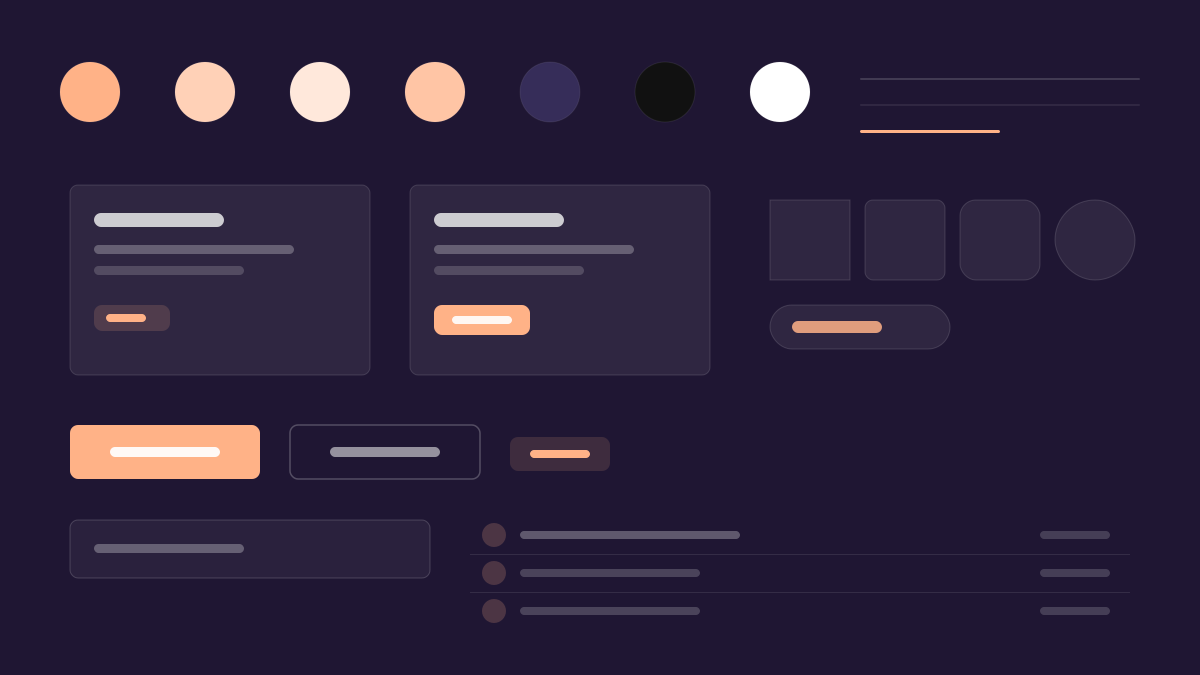
Sentry 是為開發者提供的應用效能監控與錯誤追蹤平台,讓問題「看得更清、解得更快」。其介面用深紫黑(#1f1633/#150f23)而非純黑作底,紫色譜系從深到亮(#362d59 到 #6a5fc1)鋪陳氛圍,青檸綠(#c2ef4e)只給最高可見度的 CTA,粉珊瑚色負責焦點態,「Dammit Sans」展示字型帶來一絲自嘲式品牌個性。適合開發者平台與資料密集型儀表板。
Sentry後端與資料
提示詞範本
基礎範本
Design a Sentry-inspired interface. - Dark purple-black backgrounds (#1f1633, #150f23) — never pure black; - Warm purple accent spectrum: from deep (#362d59) through mid (#79628c, #6a5fc1) to vibrant (#422082); - Lime-green accent (#c2ef4e) for high-visibility CTAs and highlights; - Pink/coral accents (#ffb287, #fa7faa) for focus states and secondary highlights; - "Dammit Sans" display font for brand personality at hero scale. Colors: #1f1633, #150f23, #362d59, #6a5fc1 with #1f1633 accent. Typography: Rubik.
變體提示詞
📱 行動裝置
Design a mobile app with Sentry aesthetics. Use Sentry color identity with #1f1633 accents. Clean, touch-friendly, native feel.
💻 Web 端
Design a web application with Sentry style. Use Sentry color identity with #1f1633 accents. Professional, responsive layout.
📊 儀表板
Design a dashboard with Sentry design language. Use Sentry color identity with #1f1633 accents. Data-rich, organized, clear hierarchy.
📄 到達頁
Design a landing page with Sentry visual identity. Use Sentry color identity with #1f1633 accents. Compelling, conversion-focused.
使用範例
Sentry 應用程式
Web 端Build a web app with Sentry design language and #1f1633 color system.
Sentry 儀表板
儀表板Create a dashboard using Sentry style with data visualization and Rubik typography.
✅ 適用情境
- 後端系統
- 錯誤監控與告警平台
- 開發者維運的深色主控台
❌ 不適用情境
- 面向大眾的生活風格 App
- 柔和暖色的品牌網站
DESIGN.md 檔案
符合 design.md 開放格式的設計系統描述,可複製或下載後交給 AI 程式設計工具使用。