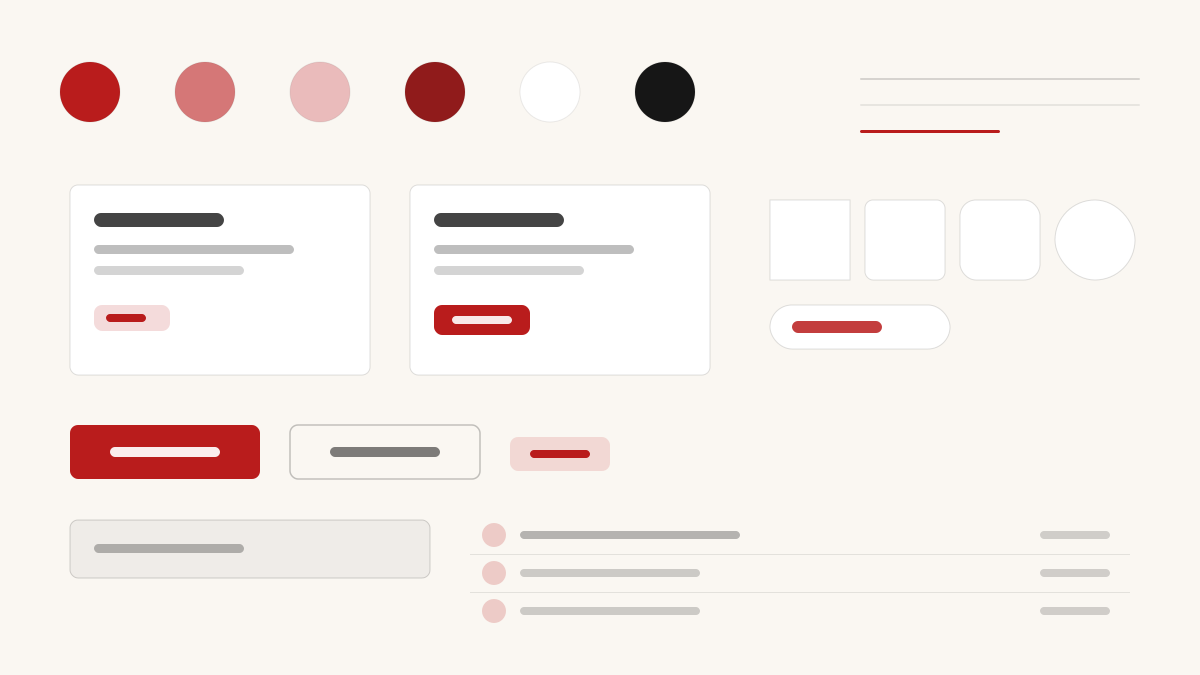
Editorial 是雜誌風的編輯排版美學:襯線標題與欄式版面讓頁面像一本印刷刊物,紙白底(#F1F1F1)配近黑內文(#111111),字級對比強烈、行距舒展,圖片與引文像印刷品般嵌入文字流。適合媒體、部落格與長文閱讀類產品。
編輯與印刷創意藝術
提示詞範本
基礎範本
Design a Editorial-inspired interface. Colors: #F1F1F1, #16A34A, #D97706, #DC2626 with #16A34A accent. Typography: #111111.
變體提示詞
📱 行動裝置
Design a mobile app with Editorial aesthetics. Use Editorial color identity with #16A34A accents. Clean, touch-friendly, native feel.
💻 Web 端
Design a web application with Editorial style. Use Editorial color identity with #16A34A accents. Professional, responsive layout.
📊 儀表板
Design a dashboard with Editorial design language. Use Editorial color identity with #16A34A accents. Data-rich, organized, clear hierarchy.
📄 到達頁
Design a landing page with Editorial visual identity. Use Editorial color identity with #16A34A accents. Compelling, conversion-focused.
使用範例
Editorial 應用程式
Web 端Build a web app with Editorial design language and #16A34A color system.
Editorial 儀表板
儀表板Create a dashboard using Editorial style with data visualization and #111111 typography.
✅ 適用情境
- 創意專案
- 出版與媒體網站
- 深度內容欄目
❌ 不適用情境
- 高頻互動的 App 介面
- 密集資料儀表板
DESIGN.md 檔案
符合 design.md 開放格式的設計系統描述,可複製或下載後交給 AI 程式設計工具使用。