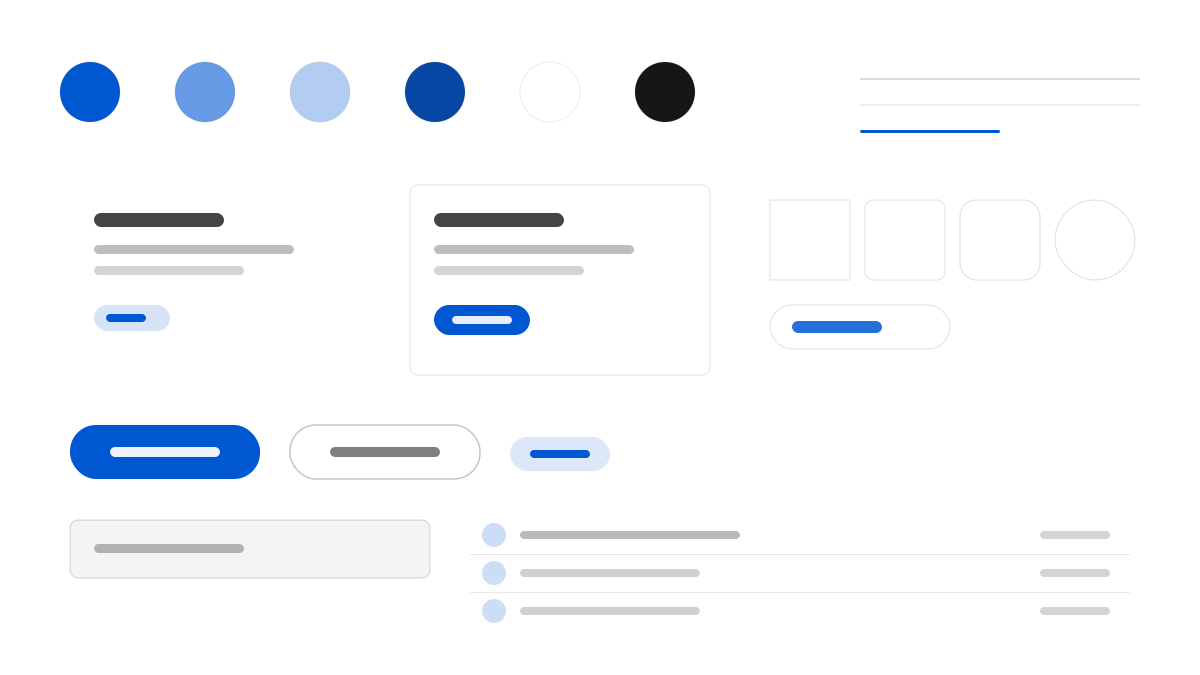
SAP treats the page as an application window: a 60px #f5f6f7 global bar sits above a breadcrumb and product tab rail, so the visitor knows their place in a very large catalogue before reading a headline. Roughly two-thirds of the surface stays white #ffffff, while four full-width flat bands — #f5f6f7, #eaecee, #ebf8ff and #f7f4ff — separate sections with square corners and no shadows. SAP blue #0057d2 is the only colour that acts, shared by buttons, inline links and the active tab, and 72 Brand Variable spans weights 350 to 700 so a 15px list item and a 15px nav link read as different classes of text.
SAPEnterprise
Prompt Template
Base Template
Design an SAP-inspired interface. - Two-storey chrome: a 60px #f5f6f7 global bar above a breadcrumb and product tab rail; - A white #ffffff canvas separated by full-width flat bands in #f5f6f7, #eaecee, #ebf8ff and #f7f4ff, all square-cornered and unshadowed; - SAP blue #0057d2 as the only acting colour on buttons, inline links and the active tab, with deep blue #0040b0 for interior hero bands; - A five-tier text ladder from true black through #3c3c3c and slate #223548, #354a5f and #475e75, plus neutral #545454 for chrome; - 72 Brand Variable spanning weights 350 to 700, so a 15px list item at 350 and a 15px nav link at 400 read as different classes of text; - Corners capped at 8px for controls and 12px for media, never a pill. Colors: #ffffff, #f5f6f7, #0057d2, #0040b0 with #0057d2 accent. Typography: 72 Brand Variable.
Variant Prompts
📱 Mobile
Design a mobile app with SAP aesthetics. Keep the chrome light, stack white content above flat bands and let SAP blue #0057d2 mark every action. Clean, touch-friendly, native feel.
💻 Web
Design a web application with SAP style. Place a 60px chrome bar over a product tab rail, then separate white sections with full-width flat bands. Professional, responsive layout.
📊 Dashboard
Design a dashboard with SAP design language. Use the slate text ladder, 8px controls and blue only for active states, with hairlines doing the dividing. Data-rich, organized, clear hierarchy.
📄 Landing Page
Design a landing page with SAP visual identity. Open with a navy gradient or a deep-blue hero band, then return to white and full-width bands. Compelling, conversion-focused.
Usage Examples
SAP Product Portal
LandingBuild a product portal with SAP design language: two-storey chrome, a deep blue hero band and white content sections.
SAP Operations Console
DashboardCreate a dashboard using SAP style with slate text tiers, 8px controls and blue reserved for active states.
✅ Best For
- ERP and supply-chain consoles
- B2B enterprise service pages
- Solution portals for IT buyers
❌ Avoid For
- Mood-led fashion brand sites
- Lightweight consumer social apps
DESIGN.md File
A design system description in the open design.md format. Copy or download it and hand it to AI coding tools.