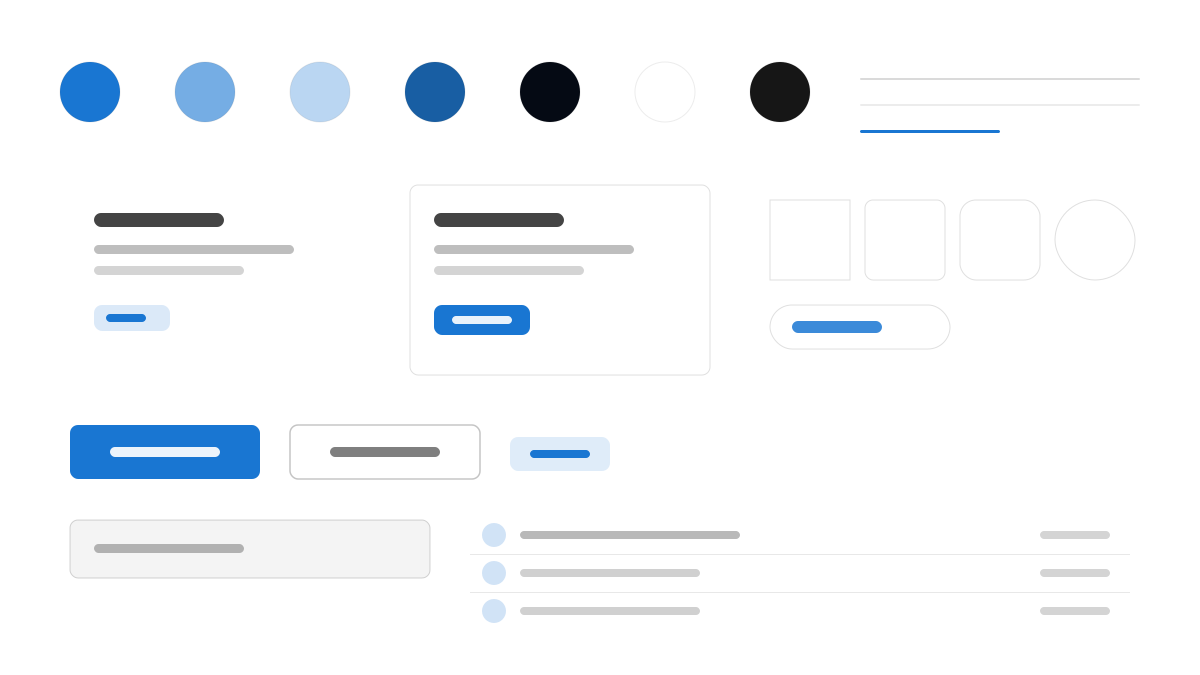
Quasar is the Vue framework for building high-performance, accessible SPA, PWA, SSR, SSG, browser-extension, mobile, and desktop apps from one codebase. Visually it follows Material: primary blue (#1976D2) with the standard Material palette, Roboto at 0.875rem body and medium-weight buttons, and QGrid layouts, dense mode, app bars, drawers, and floating actions forming the familiar Material layout.
QuasarFramework
Prompt Template
Base Template
Design a Quasar-inspired interface. - Material Design for Vue: one codebase for SPA, PWA, mobile, and desktop; - #1976D2 primary with the Material color palette; - Roboto with 0.875rem body and medium-weight buttons; - Dense mode options, QGrid layouts, and Material elevations; - App bars, drawers, and floating actions in the classic Material layout. Colors: #1976D2, #FFFFFF, #F5F5F5, #212121 with #1976D2 accent. Typography: Roboto.
Variant Prompts
📱 Mobile
Design a mobile app with Quasar aesthetics. Use Quasar color identity with #1976D2 accents. Clean, touch-friendly, native feel.
💻 Web
Design a web application with Quasar style. Use Quasar color identity with #1976D2 accents. Professional, responsive layout.
📊 Dashboard
Design a dashboard with Quasar design language. Use Quasar color identity with #1976D2 accents. Data-rich, organized, clear hierarchy.
📄 Landing Page
Design a landing page with Quasar visual identity. Use Quasar color identity with #1976D2 accents. Compelling, conversion-focused.
Usage Examples
Quasar Cross-Platform App
WebBuild a cross-platform app with Quasar style: app bar, navigation drawer, and touch-optimized Material components with #1976D2 accents.
Quasar Analytics Dashboard
DashboardCreate an analytics dashboard with Quasar design language: QGrid layout, data tables, and Material elevation cards.
✅ Best For
- Vue
- Cross-platform apps
- Material Design products
❌ Avoid For
- Web-only single-platform products
- Non-Vue ecosystem teams
DESIGN.md File
A design system description in the open design.md format. Copy or download it and hand it to AI coding tools.