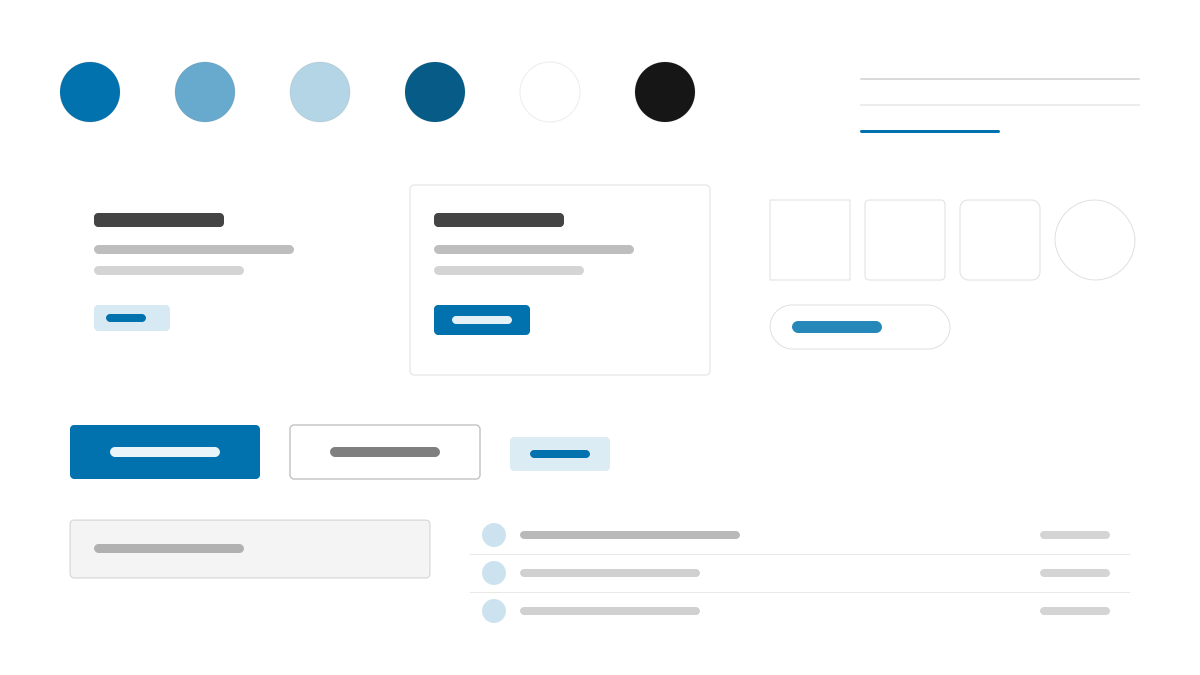
Pico CSS turns semantic HTML itself into the interface: no classes needed, just tag structure, and you get restrained defaults. Azure #0172AD is the only primary, system-ui type pairs with 4px radii and soft layered shadows, and pages arrive quiet, light, and nearly zero-config — the easiest starting point for docs sites and rapid prototypes.
Pico CSSDesign System
Prompt Template
Base Template
Design a Pico CSS-inspired minimal interface. - Classless semantic HTML with restrained defaults; - Azure #0172AD as the single primary on a white canvas; - system-ui typography, 4px radii, layered soft shadows; - Quiet cards, forms, and tables with generous spacing; - Zero-config documentation and prototype layouts. Colors: #0172AD, #FFFFFF, #646B79, #373C44 with #0172AD accent. Typography: system-ui.
Variant Prompts
📱 Mobile
Design a mobile app with Pico CSS aesthetics. Use Pico CSS color identity with #0172AD accents. Clean, touch-friendly, native feel.
💻 Web
Design a web application with Pico CSS style. Use Pico CSS color identity with #0172AD accents. Professional, responsive layout.
📊 Dashboard
Design a dashboard with Pico CSS design language. Use Pico CSS color identity with #0172AD accents. Data-rich, organized, clear hierarchy.
📄 Landing Page
Design a landing page with Pico CSS visual identity. Use Pico CSS color identity with #0172AD accents. Compelling, conversion-focused.
Usage Examples
Pico Documentation Site
WebBuild a documentation site with Pico CSS style: semantic HTML, classless navigation and cards, azure #0172AD links, and soft layered shadows.
Pico Product Prototype
LandingDesign a product prototype landing page with Pico CSS aesthetics: simple hero, semantic sections, system fonts, and quiet azure accents.
✅ Best For
- Docs and blogs
- Rapid prototypes and MVPs
- Minimal content sites
❌ Avoid For
- Complex enterprise admin systems
- Highly customized dashboard interfaces
DESIGN.md File
A design system description in the open design.md format. Copy or download it and hand it to AI coding tools.