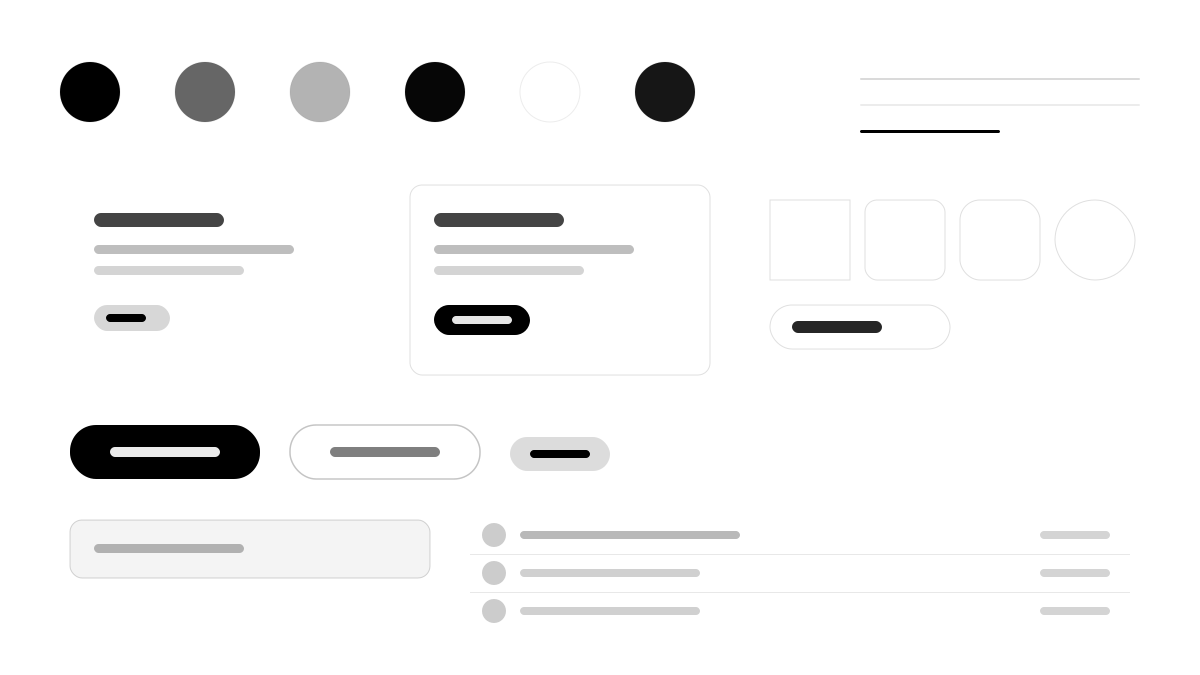
Ollama lets you run and build with open AI models locally or in the cloud on macOS, Windows, and Linux. Its interface is a disciplined monochrome system: a pure white canvas with zero chromatic color, SF Pro Rounded headlines for a soft Apple-like feel, a binary radius system of 12px containers and 9999px pills on everything interactive, and no shadows at all — depth comes from background shifts and borders.
AIMinimal
Prompt Template
Base Template
Design a Ollama-inspired interface. - Pure white canvas with zero chromatic color — completely grayscale; - SF Pro Rounded headlines creating a distinctively Apple-like softness; - Binary border-radius system: 12px (containers) or 9999px (everything interactive); - Zero shadows — depth comes exclusively from background color shifts and borders; - Pill-shaped geometry on all interactive elements (buttons, tabs, inputs, tags). Colors: #000000, #262626, #090909, #ffffff. Typography: ui-monospace.
Variant Prompts
📱 Mobile
Design a mobile app with Ollama aesthetics. Use Ollama color identity with #000000 accents. Clean, touch-friendly, native feel.
💻 Web
Design a web application with Ollama style. Use Ollama color identity with #000000 accents. Professional, responsive layout.
📊 Dashboard
Design a dashboard with Ollama design language. Use Ollama color identity with #000000 accents. Data-rich, organized, clear hierarchy.
📄 Landing Page
Design a landing page with Ollama visual identity. Use Ollama color identity with #000000 accents. Compelling, conversion-focused.
Usage Examples
Ollama App
WebBuild a web app with Ollama design language and brand color system.
Ollama Dashboard
DashboardCreate a dashboard using Ollama style with data visualization and ui-monospace typography.
✅ Best For
- AI
- CLI and local dev tools
- Minimal monochrome technical docs
❌ Avoid For
- Color-rich campaign pages
- Rounded friendly home products
DESIGN.md File
A design system description in the open design.md format. Copy or download it and hand it to AI coding tools.