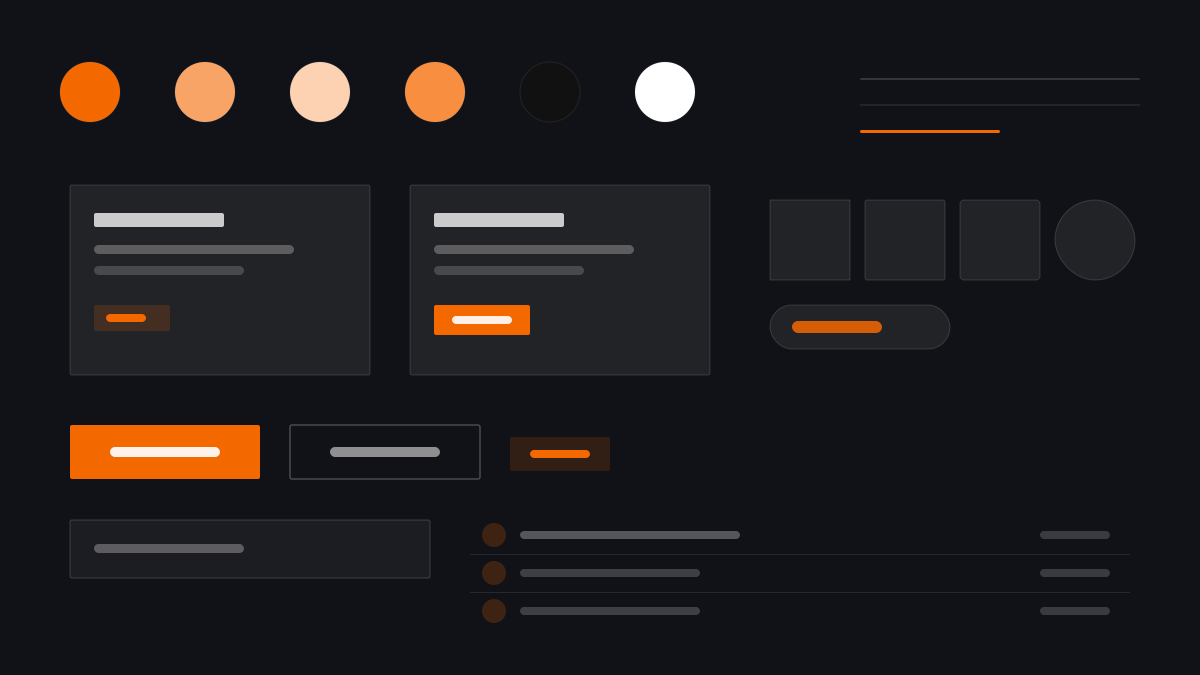
Grafana is built for long on-call shifts: #181B1F panels sit on a near-black #111217 canvas, orange #F46800 sparks only on alerts and brand moments, and everything else stays grayscale data. Hairline borders, 2px radii, and high-density charts push information to the limit while staying scannable — the industry default for monitoring, observability, and ops walls.
GrafanaDesign System
Prompt Template
Base Template
Design a Grafana-inspired observability dashboard. - Near-black #111217 canvas with #181B1F panels; - #F46800 orange reserved for alerts and brand highlights; - Hairline #2C3235 borders, 2px radii, dense grids; - High-density time series, gauges, and stat panels; - Dark ops console layouts. Colors: #F46800, #111217, #181B1F, #CCCCDC with #F46800 accent. Typography: Inter.
Variant Prompts
📱 Mobile
Design a mobile app with Grafana aesthetics. Use Grafana color identity with #F46800 accents. Clean, touch-friendly, native feel.
💻 Web
Design a web application with Grafana style. Use Grafana color identity with #F46800 accents. Professional, responsive layout.
📊 Dashboard
Design a dashboard with Grafana design language. Use Grafana color identity with #F46800 accents. Data-rich, organized, clear hierarchy.
📄 Landing Page
Design a landing page with Grafana visual identity. Use Grafana color identity with #F46800 accents. Compelling, conversion-focused.
Usage Examples
Grafana Monitoring Wall
DashboardCreate a monitoring wall with Grafana style: near-black canvas, #181B1F panels, orange #F46800 alert accents, and high-density time-series charts.
Grafana Log Explorer
WebDesign a log explorer with Grafana aesthetics: dark surfaces, hairline borders, monospace log lines, and orange highlights for errors.
✅ Best For
- Monitoring and alerting walls
- Observability platforms
- Ops and SRE consoles
❌ Avoid For
- Mass-market consumer apps
- Websites needing a soft, warm mood
DESIGN.md File
A design system description in the open design.md format. Copy or download it and hand it to AI coding tools.