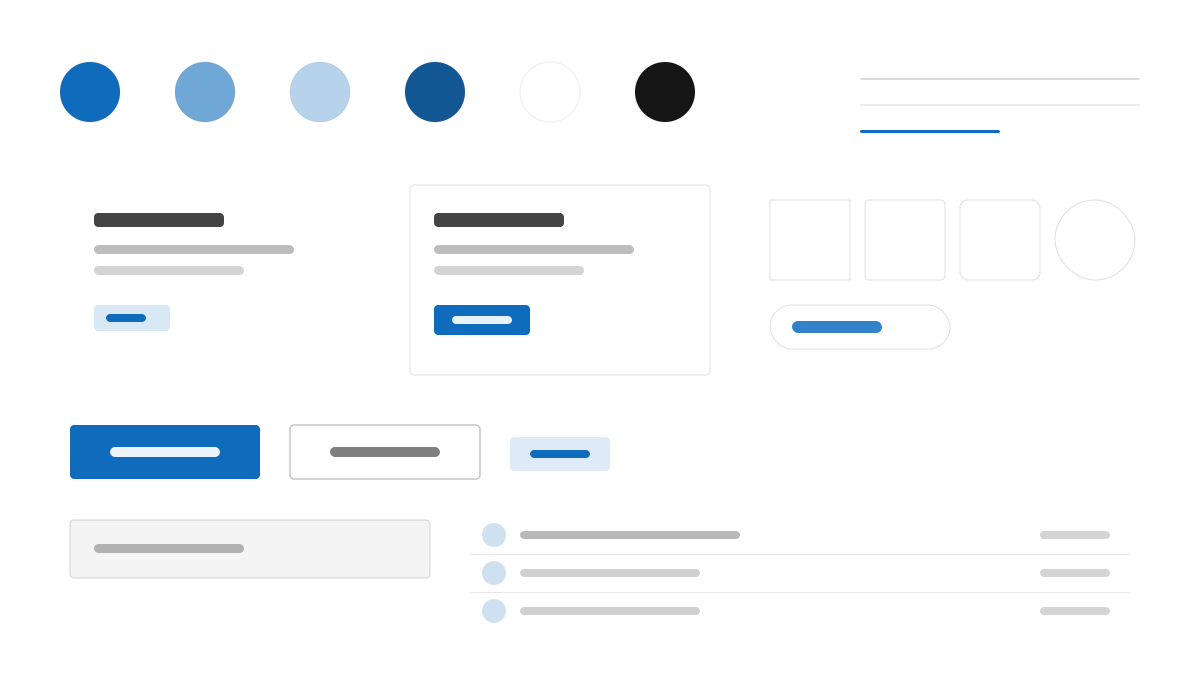
Fluent UI is Microsoft's production implementation of the Fluent 2 design system: Segoe UI Variable sets 14px body with semibold headings, brand blue (#0F6CBD) opens the full Microsoft ramp, and 4px radii, layered shadows, and acrylic/mica surfaces make depth meaningful — elevation conveys focus and layering. Command bars, side panels, and Teams-style cards are the signature productivity layouts.
Fluent UIDesign System
Prompt Template
Base Template
Design a Microsoft Fluent 2-inspired interface. - Segoe UI Variable with 14px body and semibold headings; - #0F6CBD brand blue with the full Microsoft brand ramp; - 4px radii, layered shadows, and acrylic/mica material surfaces; - Depth and light as meaning: elevation conveys focus and layering; - Productivity layouts: command bars, side panels, and Teams-like cards. Colors: #0F6CBD, #FFFFFF, #F5F5F5, #242424 with #0F6CBD accent. Typography: Segoe UI.
Variant Prompts
📱 Mobile
Design a mobile app with Fluent UI aesthetics. Use Fluent UI color identity with #0F6CBD accents. Clean, touch-friendly, native feel.
💻 Web
Design a web application with Fluent UI style. Use Fluent UI color identity with #0F6CBD accents. Professional, responsive layout.
📊 Dashboard
Design a dashboard with Fluent UI design language. Use Fluent UI color identity with #0F6CBD accents. Data-rich, organized, clear hierarchy.
📄 Landing Page
Design a landing page with Fluent UI visual identity. Use Fluent UI color identity with #0F6CBD accents. Compelling, conversion-focused.
Usage Examples
Fluent Productivity App
WebBuild a productivity app with Fluent 2 style: command bar, side panel, mica surfaces, and #0F6CBD brand accents.
Fluent Settings Panel
DashboardCreate a settings experience with Fluent UI design language: layered cards, acrylic depth, and Segoe UI typography.
✅ Best For
- Microsoft ecosystem
- Productivity apps
- Enterprise software
❌ Avoid For
- Independent designs outside the Microsoft ecosystem
- Minimal anti-material interfaces
DESIGN.md File
A design system description in the open design.md format. Copy or download it and hand it to AI coding tools.