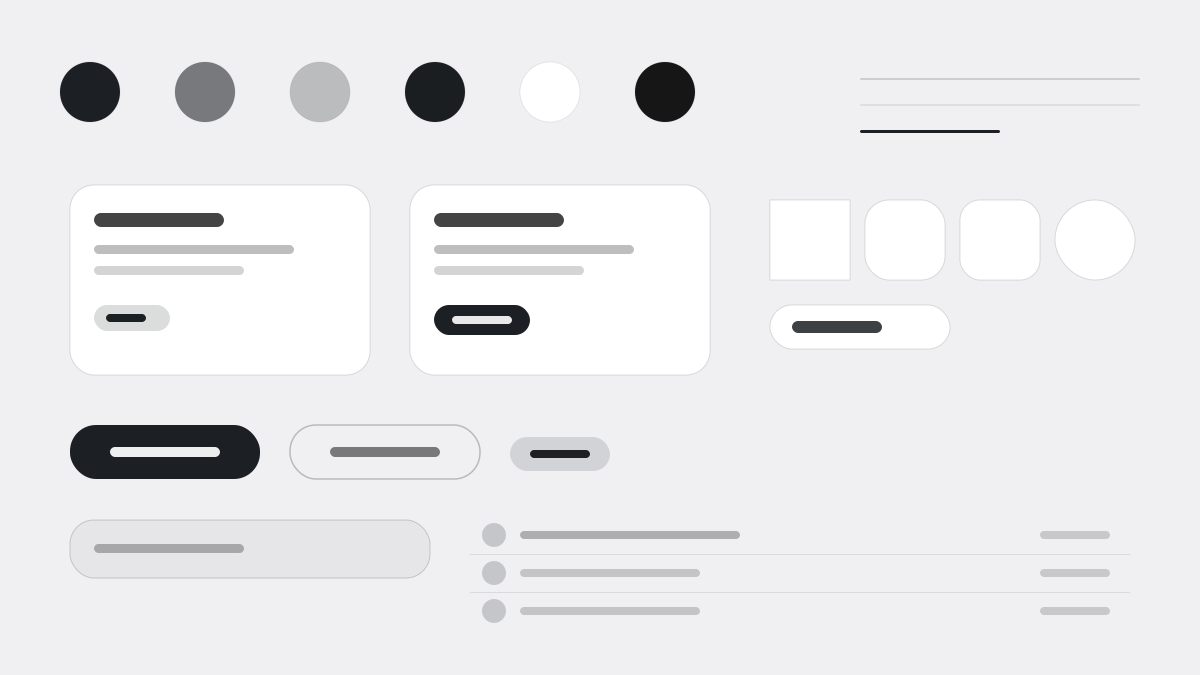
Expo is the fastest way to build native apps for iOS, Android, and the web with React. Its interface keeps a luminous cool-white canvas (#f0f0f3) strictly monochrome — pure black headlines, cool blue-gray body — with pill geometry (24–9999px) on buttons, tabs, and containers, 64px display headlines at extreme negative tracking, and Inter spanning weights 400–900. Made for developer tools.
DeveloperMinimal
Prompt Template
Base Template
Design a Expo-inspired interface. - Luminous cool-white canvas (#f0f0f3) with gallery-like vertical spacing; - Strictly monochromatic: pure black headlines, cool blue-gray body text, no decorative color; - Pill-shaped geometry everywhere — buttons, tabs, containers, images (24px–9999px radius); - Massive display headlines (64px) with extreme negative letter-spacing (-1.6px to -3px); - Inter as the sole typeface, used at weights 400–900 for full expressive range. Colors: #000000, #1c2024, #0d74ce, #476cff with #0d74ce accent. Typography: Inter.
Variant Prompts
📱 Mobile
Design a mobile app with Expo aesthetics. Use Expo color identity with #0d74ce accents. Clean, touch-friendly, native feel.
💻 Web
Design a web application with Expo style. Use Expo color identity with #0d74ce accents. Professional, responsive layout.
📊 Dashboard
Design a dashboard with Expo design language. Use Expo color identity with #0d74ce accents. Data-rich, organized, clear hierarchy.
📄 Landing Page
Design a landing page with Expo visual identity. Use Expo color identity with #0d74ce accents. Compelling, conversion-focused.
Usage Examples
Expo App
WebBuild a web app with Expo design language and #0d74ce color system.
Expo Dashboard
DashboardCreate a dashboard using Expo style with data visualization and Inter typography.
✅ Best For
- Developer
- Mobile dev framework docs
- Code-first developer platforms
❌ Avoid For
- Parent-facing education UIs
- Retro magazine layouts
DESIGN.md File
A design system description in the open design.md format. Copy or download it and hand it to AI coding tools.